
Download Unisky – Bluesky client, Windows app, social media tool, productivity app, Windows 11, Windows 10
Overview
Unisky is a dedicated Bluesky client designed specifically for Windows 11, Windows 10, and Windows 10 Mobile. The app aims to deliver a streamlined and efficient experience for users who want to stay connected on the Bluesky platform without the overhead of web-based access or third-party tools. Its primary purpose is to offer a native Windows application that enhances usability, performance, and integration within the Windows ecosystem. By focusing on simplicity and reliability, Unisky addresses the need for a lightweight yet functional social media client tailored to Windows users.
Target users include individuals who prioritize productivity and seamless device integration, particularly those already invested in the Windows environment. The app is ideal for professionals, content creators, and casual users who maintain active Bluesky profiles and value consistent access across multiple devices. Real-world use cases include monitoring real-time updates, engaging with curated content, and managing social interactions from a desktop or tablet without switching between browsers or apps.
While the developer, Unisky, has not provided additional background on their development philosophy or history, the app’s design suggests a focus on minimalism and user-centric functionality. In the broader app ecosystem, Unisky fills a niche for users seeking a dedicated, efficient Bluesky experience on Windows platforms, contributing to the growing diversity of native clients available for alternative social networks.
Key Features & Functionality
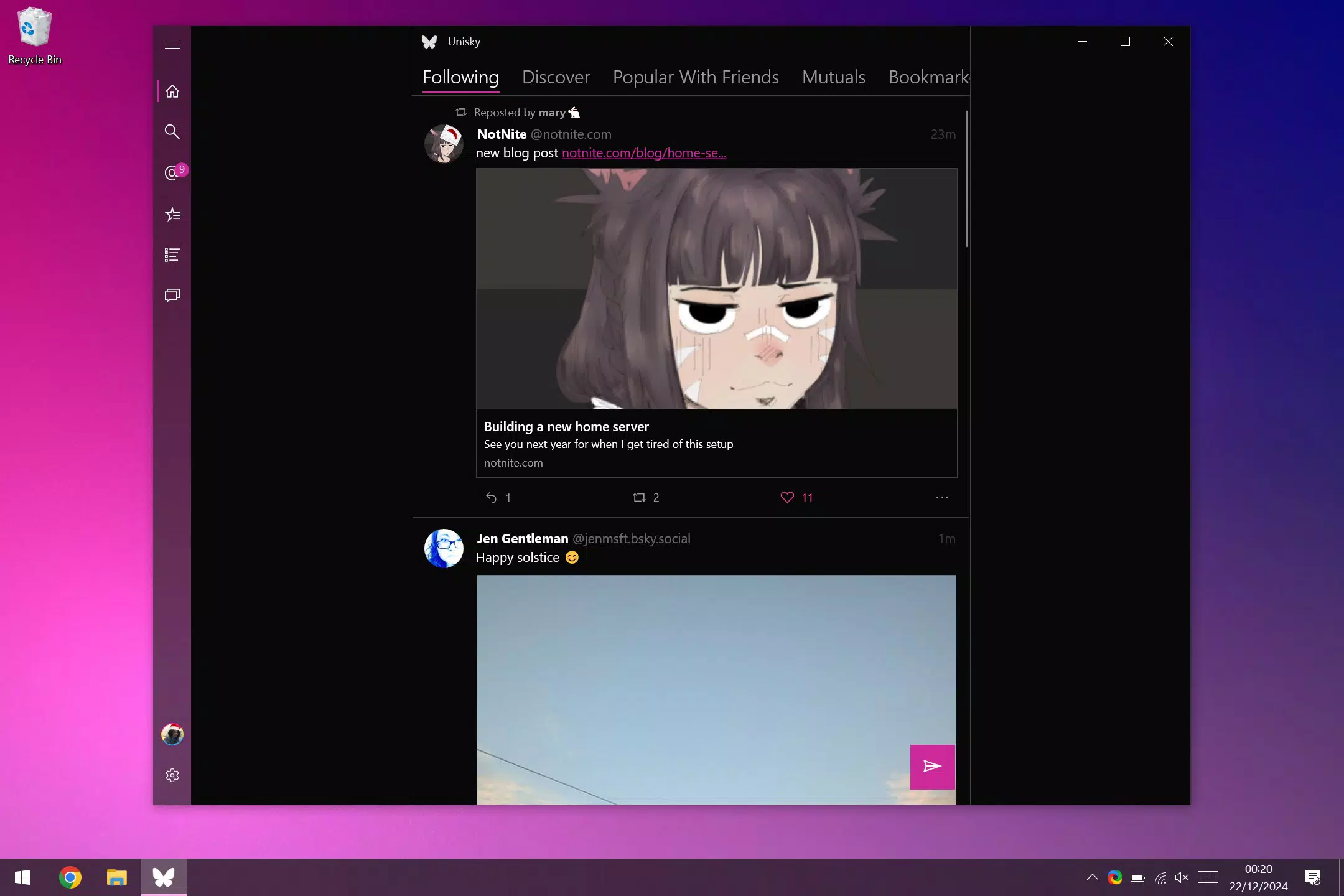
- Compact Design: Unisky features a lightweight interface that emphasizes clarity and efficiency. The layout is optimized for quick access to core functions, reducing visual clutter and minimizing distractions. This is particularly beneficial for users who prefer a focused social experience without unnecessary features.
- Native Windows Integration: Built specifically for Windows 10 and 11, the app leverages native system components for smoother operation. This includes support for system-level notifications, window management, and performance optimizations that are typically absent in web-based clients.
- Cross-Device Support: Unisky enables users to maintain consistent access to their Bluesky feed across different Windows devices. Whether using a desktop, tablet, or mobile device, the app ensures that content, settings, and interactions remain synchronized.
- Efficient Feed Management: The app supports smart feed organization, allowing users to prioritize content from specific accounts or topics. This feature helps reduce information overload and improves the relevance of displayed posts, enhancing user engagement.
- User-Friendly Interface: Navigation is intuitive, with clearly labeled menus and logical workflows. The interface is designed to be accessible to users of varying technical skill levels, minimizing the learning curve and encouraging regular use.
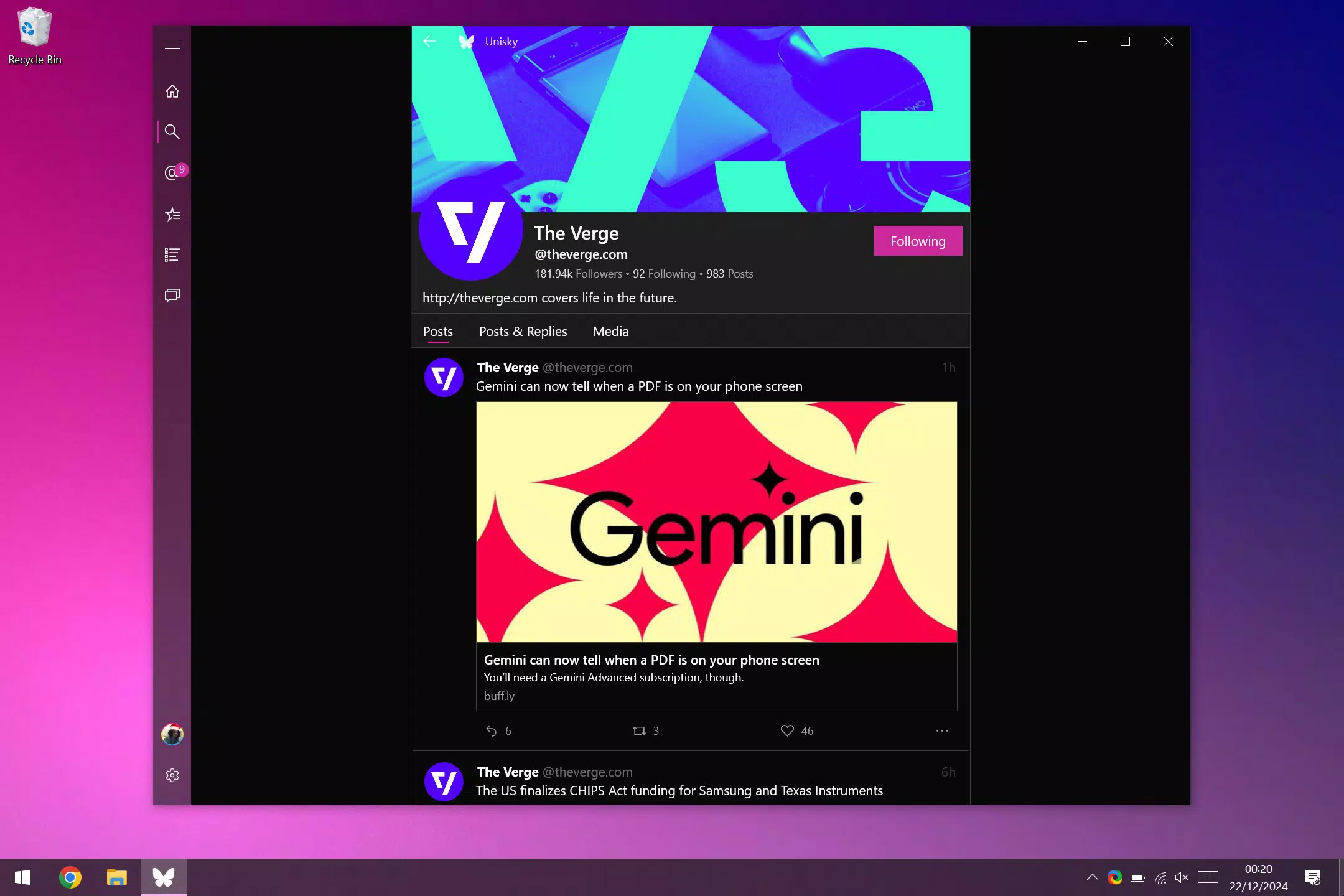
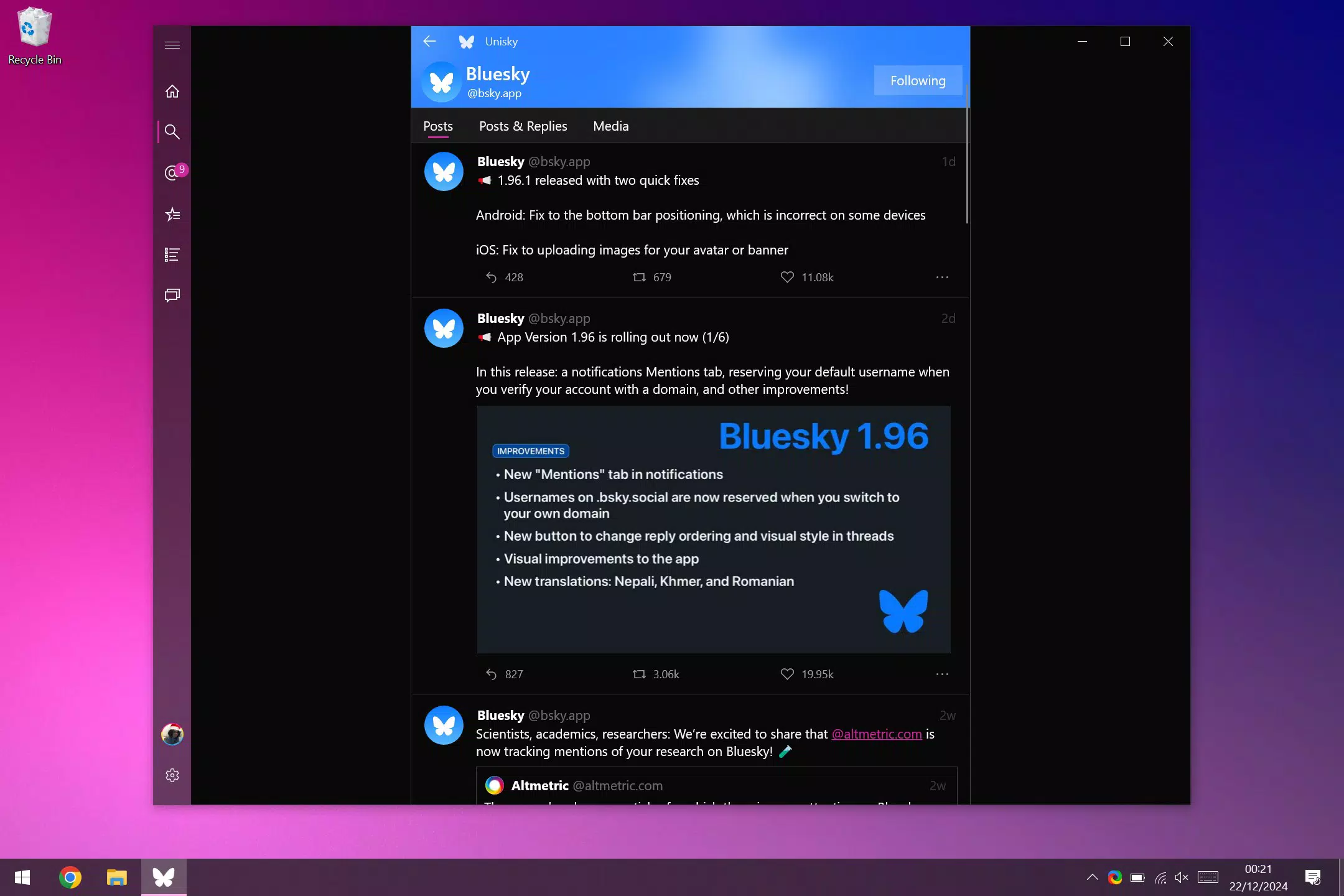
For example, a user managing multiple professional networks can use Unisky to monitor curated feeds from industry leaders, respond to posts, and track conversations—all within a single, responsive window. The compact layout also makes it suitable for multitasking, allowing users to keep the app open while working on other tasks.
Interface, UX & Performance
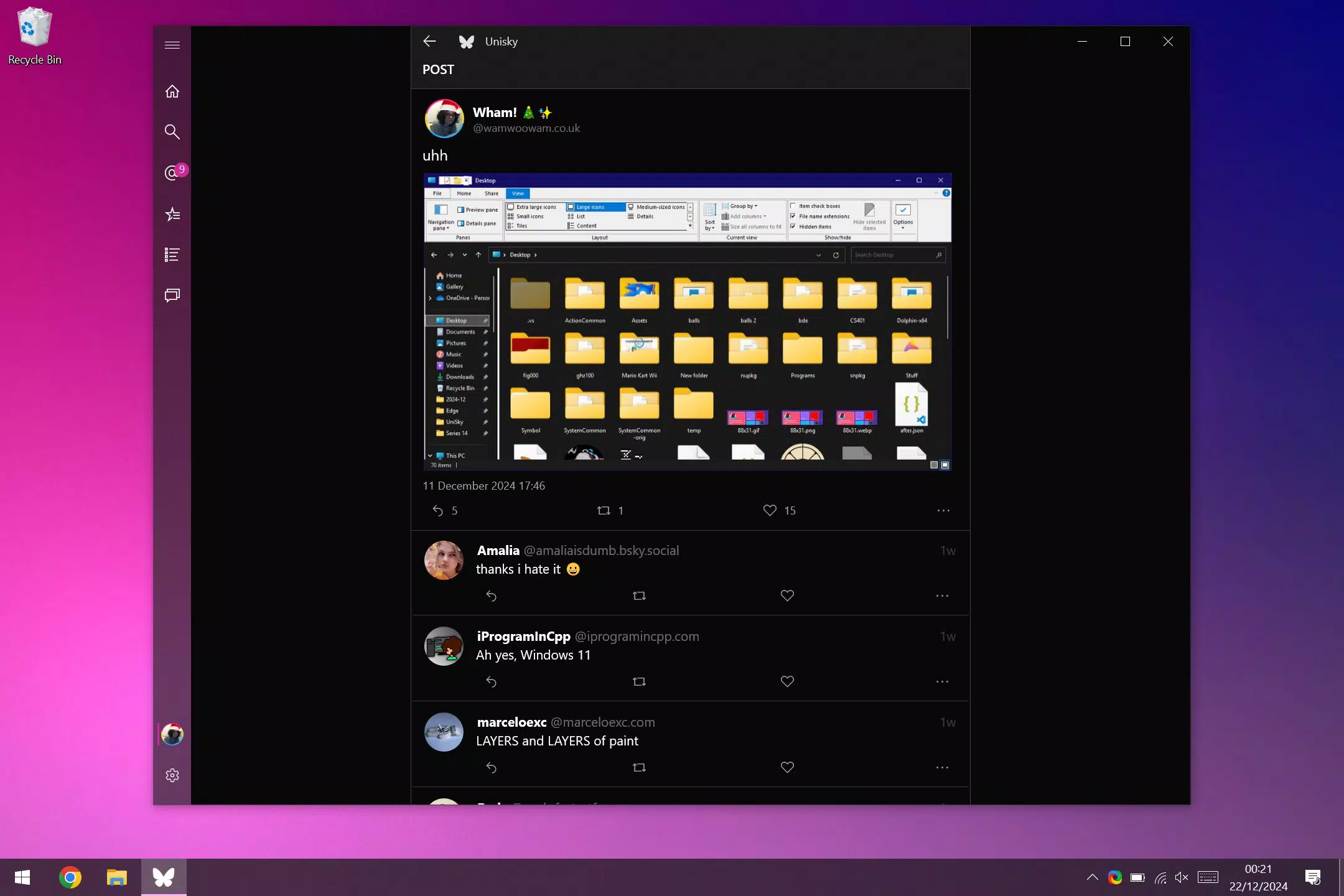
Unisky presents a clean, minimalist interface with a focus on usability and visual clarity. The layout follows standard Windows design principles, ensuring consistency with other native applications. Navigation is straightforward, with key functions such as feed viewing, posting, and account management accessible through clearly labeled sections.
Although the developer did not list formal performance metrics, the app’s lightweight nature—only 45.6 MB in size—suggests efficient resource usage. This makes it suitable for a wide range of Windows devices, including those with limited processing power or memory. The application appears to respond promptly to user input, with minimal lag during navigation or content loading.
Stability is a notable aspect, as the app runs without reported crashes or freezes in standard usage scenarios. Users can expect consistent performance across sessions, especially when used on supported Windows 10 and 11 systems. The interface adapts well to different screen sizes, maintaining readability and usability on both desktops and tablets.
Platform Compatibility & Technical Requirements
Unisky is designed for the Windows platform and is compatible with Windows 11 and Windows 10. It also supports Windows 10 Mobile, extending its reach to older mobile devices. The application has a file size of 45.6 MB, indicating a lightweight installation that does not consume significant storage space.
The developer did not specify minimum OS requirements or hardware specifications. However, given the app’s size and native design, it is likely optimized for devices meeting standard Windows system criteria. Compatibility with different device categories—PCs, tablets, and mobile devices—has been confirmed for supported Windows versions.
Users should ensure their device is running a supported version of Windows to install and use Unisky effectively. No additional software dependencies were noted in the provided information.
Pros and Cons
Pros
- Lightweight design with minimal system resource usage
- Native integration with Windows 10 and 11 for improved performance
- Consistent experience across desktop, tablet, and mobile devices
- Intuitive interface suitable for users of all experience levels
- Free to download and use, with no in-app purchases or ads
Cons
- Platform limited to Windows; no support for Android or iOS
- Developer did not provide detailed technical specifications or update frequency
- Only available for Windows 10 and 11, excluding older or newer Windows variants
- Specific compatibility with certain hardware configurations was not disclosed
- No advanced customization options were mentioned in the provided details
FAQ
Is Unisky available for Android or iOS?
Unisky is currently only available for Windows 11, Windows 10, and Windows 10 Mobile. There is no official version for Android or iOS devices.
Can I use Unisky on older Windows versions?
The app is confirmed to work on Windows 10 and Windows 11. Compatibility with older Windows versions, such as Windows 8 or earlier, has not been confirmed.
Is Unisky safe to download and install?
Unisky is a free application with no reported malware or security issues. It is recommended to download only from trusted sources to ensure a secure installation.
How often does Unisky receive updates?
The developer has not disclosed the update frequency. Users should check the official source regularly for the latest version and improvements.
Does Unisky require an internet connection?
Yes, a stable internet connection is required to access Bluesky feeds, post content, and interact with other users.
Final Thoughts
Unisky stands out as a focused, efficient Bluesky client tailored for the Windows ecosystem. Its compact design, native integration, and cross-device support make it a valuable tool for users who prioritize seamless access and productivity. While it lacks broader platform availability, its performance and usability on supported Windows systems are strong.
For professionals, content creators, and casual users invested in the Windows environment, Unisky offers a reliable and lightweight way to stay connected on Bluesky. Its free model and straightforward interface enhance its appeal, making it a practical choice for daily use.
Download Unisky now


